
Testing & Verification
the left in question
Testing & Verification
- Gameplay Testing Test level completion, character interactions, collision detection Live demo: Play through level without critical bugs
- Integration Testing Test API integration (Leaderboard, NPC AI) with live backend Demo: Successful score saving and AI responses
- API Error Handling Try/catch blocks for API calls, network error handling Code review: Error handling for fetch failures
Gameplay Testing
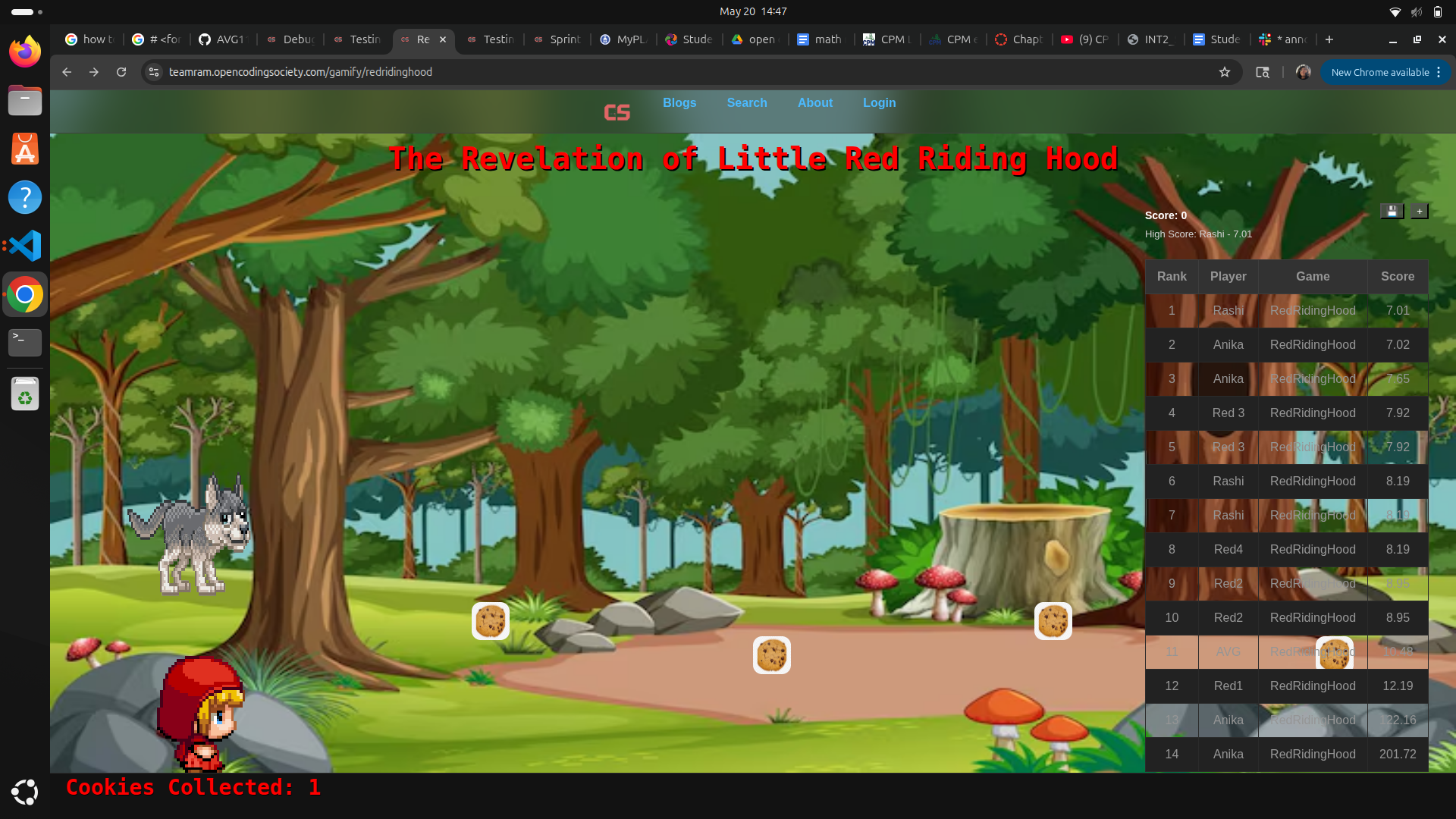
Yeah I can show you my 2 levels, they work well, they’ll be another link to the game at the end of this last chapter
Integration Testing
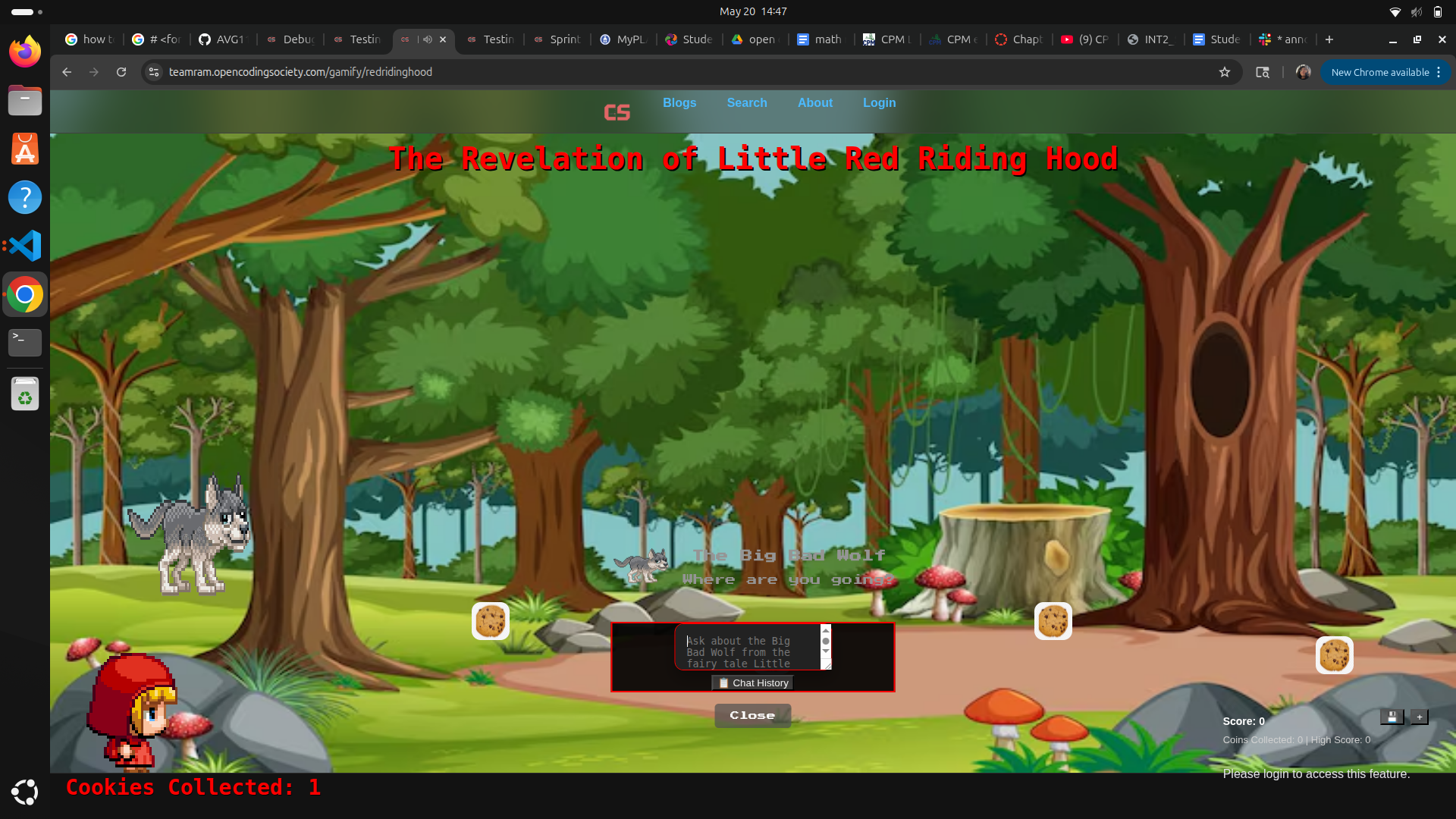
an AI npc and leaderboard was done by Rashi but it doesn’t work too well on my computer from tests this just covers how well everything in the works all together
API Error Handling
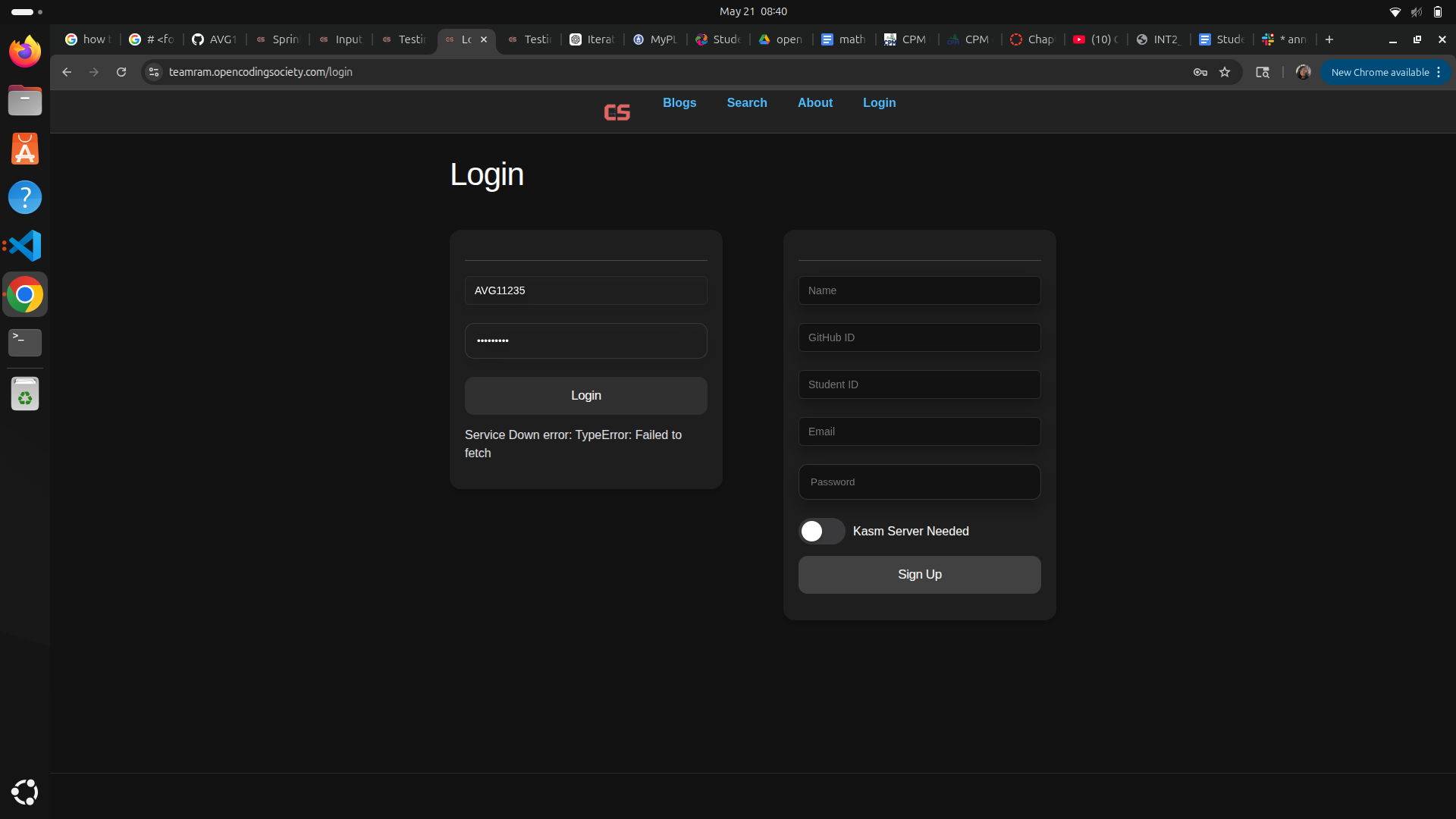
this covers, the systematic process of identifying, intercepting, and resolving failures that occur when making API requests. It ensures system reliability and provides users with actionable, clear feedback when things go wrong. So if the link connected to the doesn’t exist you get a 404 error like if you mistyped it, well actully no it focuses in things the game asks for, not just the link working like score
so the code gives a result, a failure result to tell you it’s not working so you can better know what to solve
this appears in the file(s): leaderboard.js
        console.log('Payload:', JSON.stringify(requestBody));

        // POST to backend using API chaining pattern
        return fetch(
            url,
            {
                ...fetchOptions,
                method: 'POST',
                body: JSON.stringify(requestBody)
            }
        )
            .then(res => {
                if (!res.ok) {
                    return res.text().then(errorText => {
                        console.error('Server error:', errorText);
                        throw new Error(`Failed to save score: ${res.status} - ${errorText}`);
                    });
                }
                return res.json();
            })
            .then(savedEntry => {
                console.log('Score saved successfully to SCORE_COUNTER:', savedEntry);

                // Refresh leaderboard if we're in dynamic mode
                if (this.mode === 'dynamic') {
                    return this.fetchLeaderboard().then(() => savedEntry);
                }

                return savedEntry;
            });
    }
API Error Handling
if (!res.ok) {
VERY important. Why: checks if request failed detects bad HTTP responses handles API/server errors safely
If you want to know the way I solved API errors, what happens is I work and update in bits so when I realise the page doesn’t work, I go back to a previous bit of work and try to rewrite it to have the game work again, and I repeat this if it still doesn’t work or move on if it does work.
Ainpc.js code error handling
    /**
     * Test backend API availability
     * @returns {Promise<boolean>} True if API is available
     */
    static async testAPI() {
        try {
            const response = await fetch(pythonURI + '/api/ainpc/test', {
                ...fetchOptions,
                method: 'GET'
            });
            const data = await response.json();
            return data.status === 'ok';
        } catch (err) {
            console.error('AI NPC API test failed:', err);
            return false;
        }
    }
                    try {
                        const pixels = this.spriteData.pixels;
                        const orientation = this.spriteData.orientation;
                        const frameW = Math.max(1, Math.round(pixels.width / orientation.columns));
                        const frameH = Math.max(1, Math.round(pixels.height / orientation.rows));
                        console.log("[Character] Sprite loaded:", this.spriteSheet.src,
                                    "natural:", this.spriteSheet.naturalWidth + 'x' + this.spriteSheet.naturalHeight,
                                    "pixels:", pixels.width + 'x' + pixels.height,
                                    "orientation:", orientation.columns + 'x' + orientation.rows,
                                    "frame:", frameW + 'x' + frameH);

                        const dirs = ['up','right','down','left','upRight','upLeft','downRight','downLeft'];
                        dirs.forEach(d => {
                            const dd = this.spriteData[d];
                            if (!dd) return;
                            const row = dd.row || 0;
                            const cols = dd.columns || orientation.columns || 1;
                            console.log(`[Character] direction ${d}: row=${row}, columns=${cols}`);
                        });
                    } catch (logErr) {
                        console.warn('Character sprite diagnostics failed', logErr);
                    }
                } catch (err) {
                    console.warn('Error during sprite onload processing', err);
                }
try
Runs risky code:
fetch requests JSON parsing API communication catch
Runs if something fails.
Example failures:
no internet server offline invalid JSON CORS errors
Why response.ok Matters
Status codes like:
404 500 403
do NOT automatically trigger catch.
Even if fetch succeeds, the server may still fail.
That’s all!!!!